
Airbnb accessibility: which measurements and photos to share
“Accessible home” does not explain whether a guest can enter the property, reach the bedroom or use the bathroom. Hosts need to provide observable facts, limitations and consistent photos. Here is a practical way to prepare that information before editing a listing.
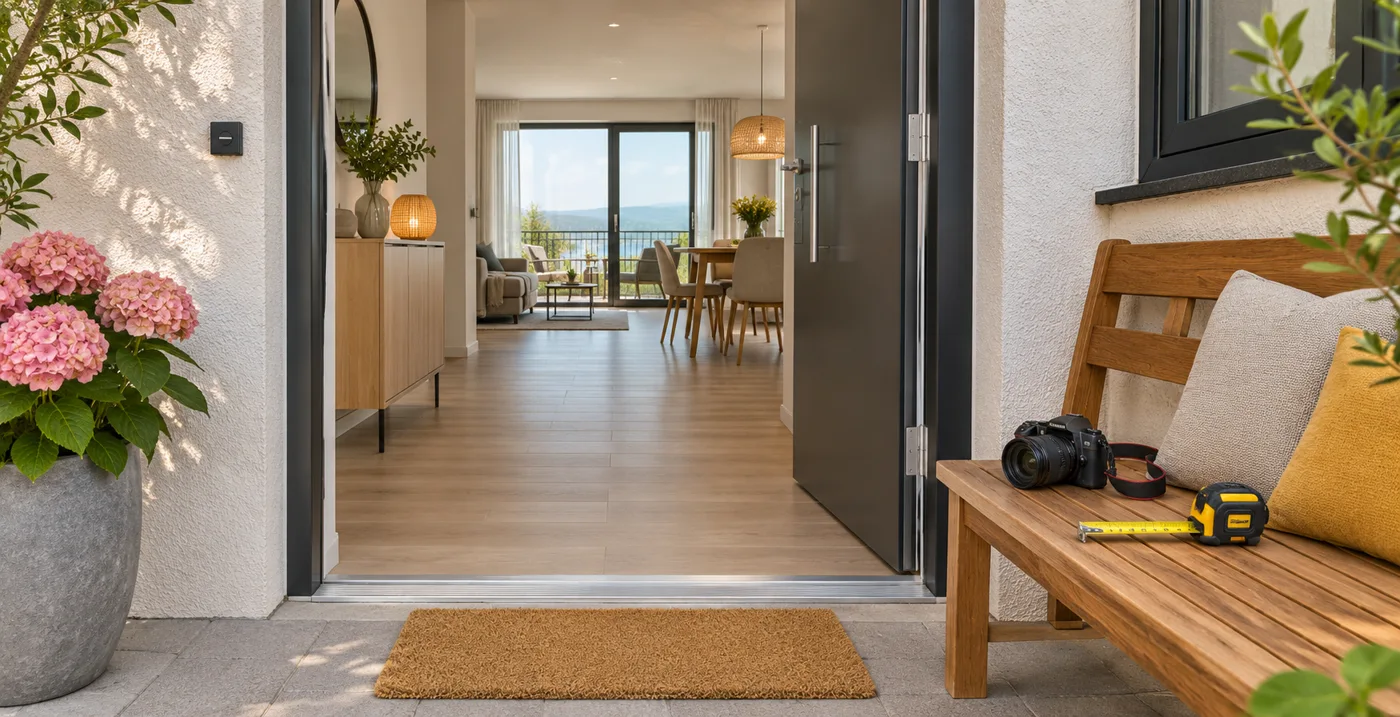
AI-generated header image: a fictional interior, not evidence of accessibility.
Start with the guest’s actual route
Walk from the usual arrival point to the entrance, bedroom and bathroom. Record each change of level, narrow passage, door and piece of equipment needed. A single-level apartment may still have a step in the shared lobby: describing only the interior would omit important information.
The recording sheet below is an AirGeo editorial suggestion, not an Airbnb form or certification. Keep a date and original photos so you can trace what you actually observed.
| Area | Information to record on site | Useful photo | Limitation to explain |
|---|---|---|---|
| Arrival → entrance | Steps, surface, obstacles, narrowest passage | Sequence showing the route | Gravel, slope or shared step |
| Entrance door | Measured width, threshold, available opening | Overall view and measurement detail | Heavy door or limited maneuvering space |
| Bedroom | Route from entrance and space around bed | Access and current layout | One side of bed against a wall |
| Bathroom | Passage, shower threshold, equipment present | Wide view then details | Step or missing equipment |
| Elevator, if present | Usable dimensions and access before/after | Open doors and cabin | Step before elevator or known unavailability |
Do not turn a single measurement into a universal conclusion: needs and mobility devices vary. Share the facts so guests can assess the situation.
Prepare photos using Airbnb’s guidance
Airbnb recommends views that make routes, thresholds and dimensions clear. Open doors, show the floor and photograph each relevant area. For a width measurement, take a contextual view and a readable close-up of the tape measure. Show limitations too: an attractive living-room photo does not explain shower access. Add factual captions and identify the rooms concerned. Airbnb’s official photography guide.
These photos must show the actual home. Do not use our header illustration, a generated image or an edit that removes an obstacle to document a feature. To organize the rest of your listing, see our annotated description examples.
Select only features you have checked
In the documentation reviewed, Airbnb asks hosts to check feature definitions before selecting them and provide photos for review. Confirmed information appears in a dedicated section. With certain fully synchronized software connections, updates go through the connected software. Consult the current criteria for each feature rather than freely interpreting its label. Add accessibility features: Airbnb Help.
Mentioning something in the description does not replace that process. If a measurement is missing, record it before claiming the feature is present. Our listing audit checklist helps collect the other points to review.
Fictional example: replace a promise with facts
Before: “Fully accessible apartment, perfect for everyone.”
After: “From the parking area, a paved path leads to the entrance without steps. With the entrance door open, its width measures 86 cm at the narrowest point recorded. The bedroom is on the same level. The shower has a 12 cm raised edge and no grab bar. Photos of the route and measurements are available to help you check whether the home meets your needs.”
These dimensions are invented for the example. The width documents one particular passage; it does not certify the whole property. The shower limitation matters as much as the step-free entrance. Replace every detail with your actual observations before reusing this text.
Accessibility, Airbnb search, Google and AI have different roles
Guests can use Airbnb accessibility filters and review the description or dedicated information; they can also contact the host to discuss a specific need. Search for listings with accessibility features.
This is not a promise of higher ranking. On your own website, our editorial recommendation is to repeat the same verified facts and limitations. That site’s Google visibility and potential AI citations are separate from Airbnb filters; this procedure guarantees none of these outcomes.
Check before publishing
- Compare the text, selected features, photos and recorded observations.
- Name the relevant spaces and remaining obstacles.
- Remove unverified claims and universal descriptions.
- Check again after building work or changes to furniture or equipment.
Analyze my listing with AirGeo to review its clarity. The analysis starts for free; text generation is paid, according to the options and amount displayed before payment. AirGeo does not inspect the property physically or certify its accessibility.
Official sources consulted on November 6, 2026. Airbnb’s criteria may change.