
Airbnb Wi-Fi: what to check before promising a remote-work stay
“Wi-Fi and a desk” leaves important questions unanswered: where can guests work, what is the chair like, and does the connection work in that spot? For hosts, the useful starting point is to document the actual experience before writing a marketing promise.
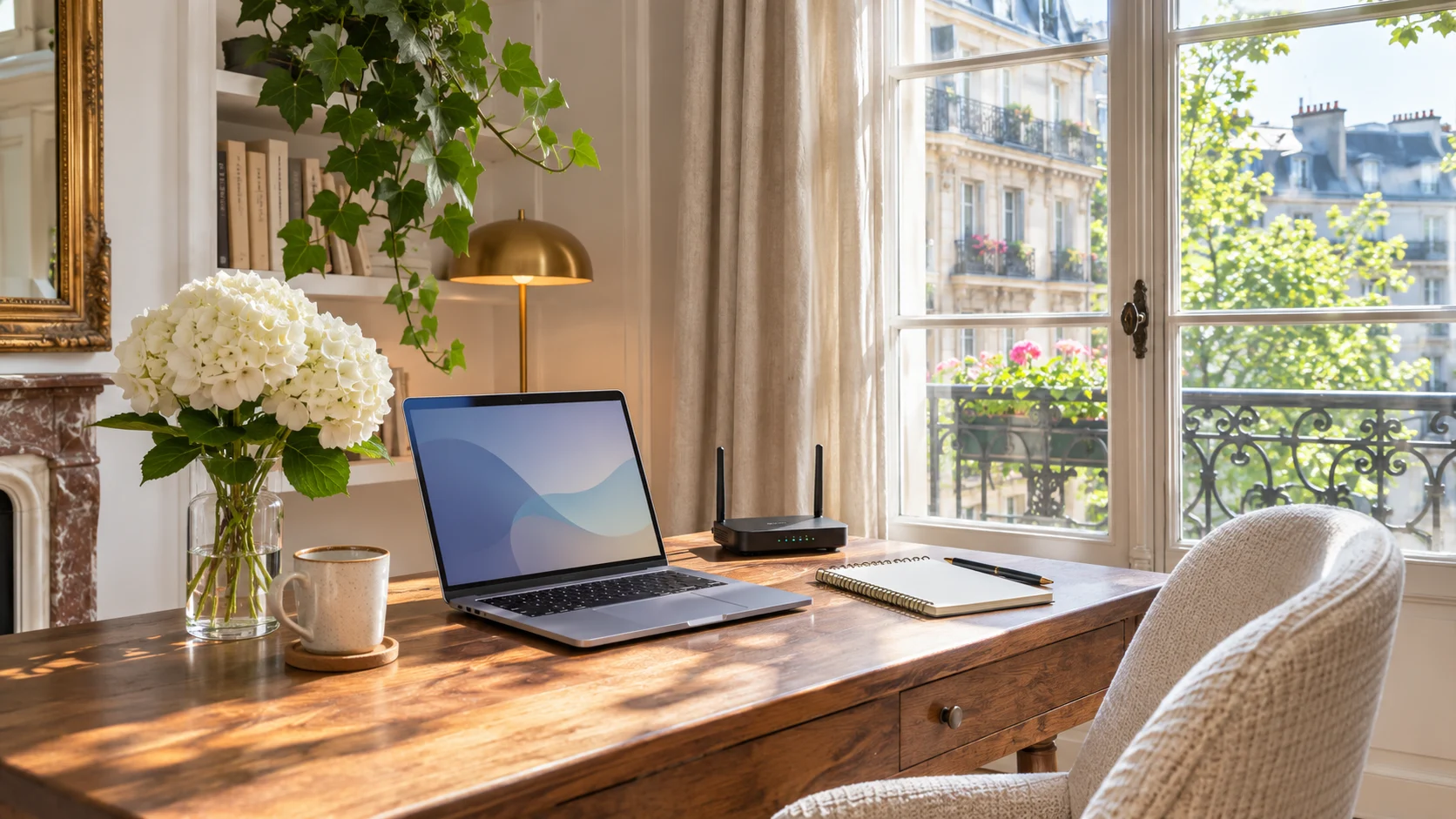
This guide provides an AirGeo editorial procedure, a measurement log and a fully fictional example. It is neither a property test nor a guarantee of rankings or bookings. The cover is an AI-generated illustration, not a photograph of an available rental.
What Airbnb lets hosts verify
Airbnb offers a speed test in its app, run at the property while connected to the rental’s network. The result can appear on the listing. Its documentation says hosts remain responsible for ensuring the displayed speed represents the guest experience, and explains that network conditions affect measurements. Source: Airbnb Wi-Fi testing help.
A single reading therefore cannot describe a whole stay. Our practical recommendation is to keep several readings from the areas guests use, rather than select only the highest result.
Our procedure: observe, record, then write
1. Choose the locations that matter
Sit at the advertised workspace, then try a second area guests can realistically use. Record the router’s location, closed doors and other activity on the network. Use the same device for comparisons; if you change devices, record that in the log.
The aim is to notice differences between rooms, not produce a technical certificate. A reading beside the router cannot replace one at a desk behind a thick wall.
2. Keep a simple log
This is a fictional example, provided only to show how to organise observations. The figures are neither recommended thresholds nor AirGeo measurements.
| Location and time | Observed download speed | Observation to record |
|---|---|---|
| Living-room desk, morning | 82 Mbps | Door open, one connected device |
| Same desk, evening | 57 Mbps | Connected TV in use |
| Bedroom table, evening | 18 Mbps | Door closed, less consistent signal |
Add the date, tool and device, plus upload speed and latency if your tool provides them. Keep these measurements separate from the official result displayed by Airbnb. Store notes privately and exclude network credentials and passwords from public screenshots.
3. Try the use you advertise
Make a test video call at the workspace and record any interruptions. This does not guarantee future calls, but it may reveal a problem that a single number misses. If the connection is unreliable, fix the issue or explain the limitation clearly before targeting remote workers.
4. Check the workspace as well
Airbnb describes a dedicated workspace in terms of a table or desk used for work, a power outlet and comfortable seating. It also recommends showing the space in photos and the description. Source: Airbnb advice on hosting remote workers.
Our addition: record the desktop dimensions, lighting, whether a door can close and any known noise sources. A table in a shared living room and a separate room serve different needs. Describe the setup you actually provide.
Annotated example: turn notes into listing copy
Avoid: “Ultra-fast Wi-Fi, perfect for every digital nomad.” This wording identifies neither the measurement location nor the workspace, and promises universal suitability.
Fictional example to adapt only using your own observations:
There is a desk in the living room, with a nearby power outlet and a chair with a backrest. Our readings at the desk were 82 Mbps in the morning and 57 Mbps in the evening on 5 November 2026; speeds can vary. The living room has no door to separate it from the rest of the space. The connection is less consistent in the bedroom.
The useful part is the structure: concrete equipment, measurement location, date and limitation. Do not copy the numbers. If your listing displays a speed tested through Airbnb, check that the wording agrees with it; do not present personal readings as platform certification.
Pre-publication checklist
- The selected Wi-Fi amenity matches what guests can actually use.
- The described workspace is the one available to guests.
- A real photograph shows the desk, chair and surroundings; a generated image is not evidence.
- Known coverage, sharing and noise limitations are explained.
- Both languages contain the same measurements, dates and qualifications.
- A new check is planned after a router change, layout change or guest report.
Airbnb, Google and AI are separate subjects
Completing an Airbnb listing does not establish that Google has indexed a page or that an AI recommends it. You can reuse accurate, consistent information on your own website; we infer no ranking or citation effect here. Never publish Wi-Fi access credentials on a public page to make it “more complete”.
For a broader review, read our listing audit checklist and guide to amenity-focused descriptions.
Turn checked facts into clear listing copy
Start by gathering facts at the property. Then use AirGeo’s free listing analysis to review your listing. Content generation is a separate paid offer; no writing tool replaces on-site measurements.
Primary sources checked on 5 November 2026. The logging procedure, table and writing example are original AirGeo proposals.